注册宝塔账号并安装宝塔
centos使用如下命令安装:
yum install -y wget && wget -O install.sh http://download.bt.cn/install/install_6.0.sh && sh install.sh
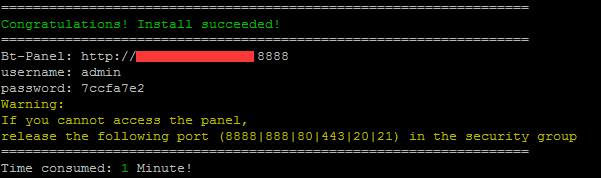
安装完成后 保存下方账号:【你的ip地址+默认端口号8888】
登录宝塔面板安装nginx
这里我们使用安装后得到的账号登录,在面板的软件管理安装我们需要的软件到服务器

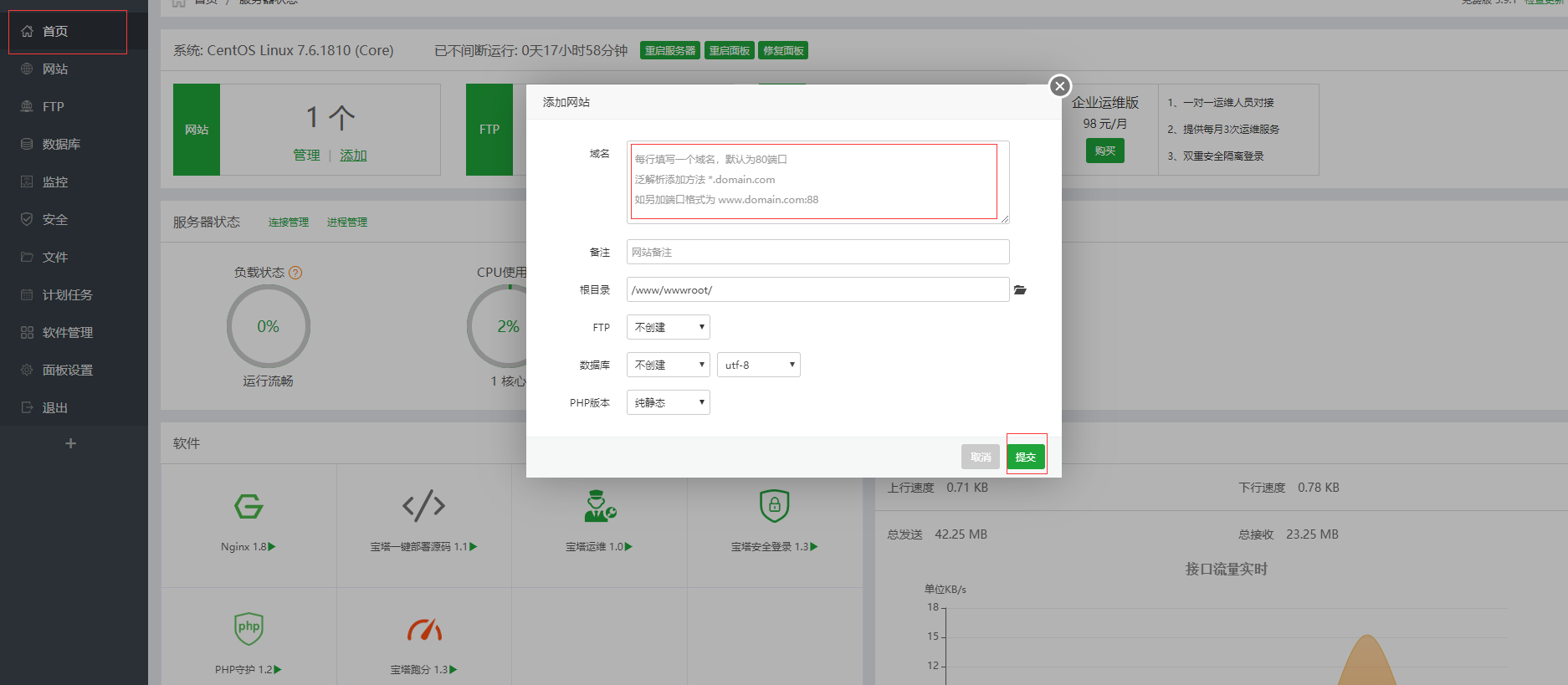
首页添加网站
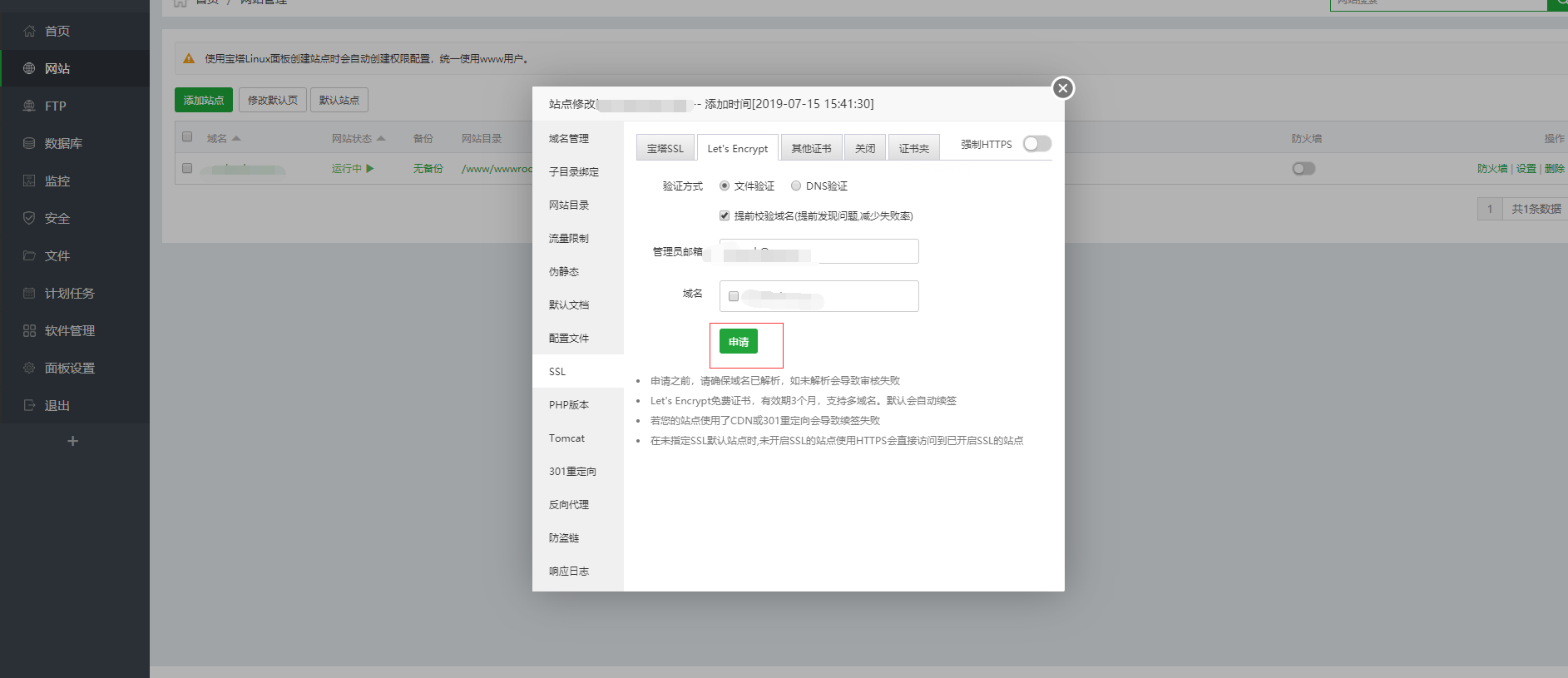
申请免费证书【let’s encrypt】并开启
1.申请证书【这里可能需要登录,使用我们前面注册的账号】
 2.切换到其他证书保存【实则是保存文件到服务器】

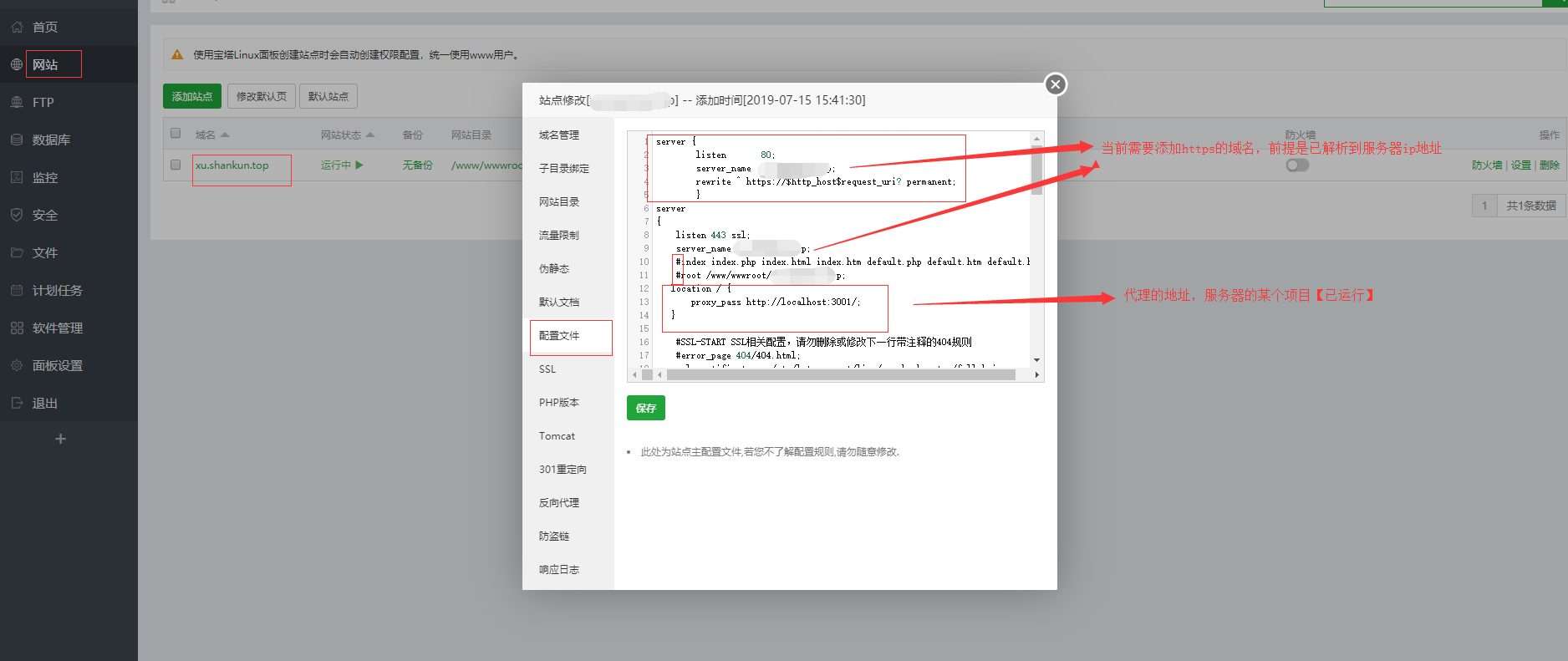
nginx配置文件修改
server {
        listen       80;
        server_name  xx.xxx.com;
        rewrite ^ https://$http_host$request_uri? permanent;
        }
server
{
    listen 443 ssl;
    server_name xx.xxx.com;
   location / {
       proxy_pass http://localhost:3001/;
   }
}
重启nginx【结束】
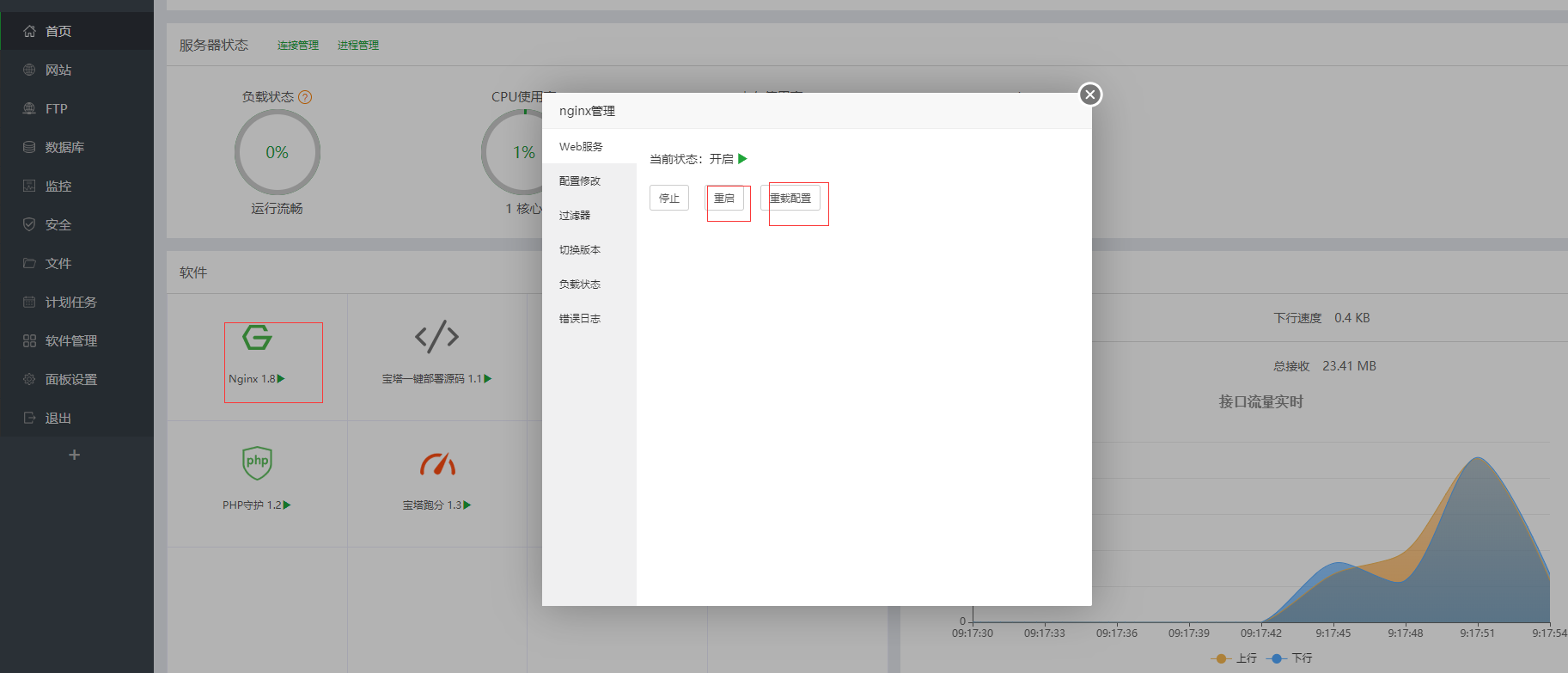
回到首页,打开nginx面板,先后点击重载配置和重启